To take a picture in Wizard101, press the in-game “Camera” icon located on the bottom right of your screen or use the “Print Screen” (PrtScn) key on your keyboard. Screenshots…
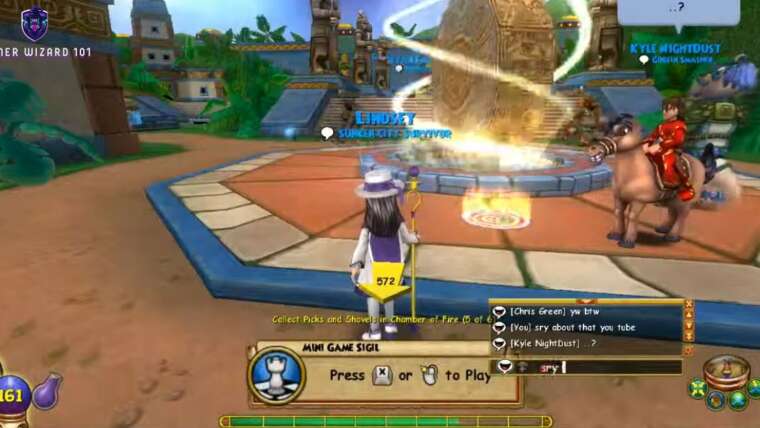

To take a picture in Wizard101, press the in-game “Camera” icon located on the bottom right of your screen or use the “Print Screen” (PrtScn) key on your keyboard. Screenshots…